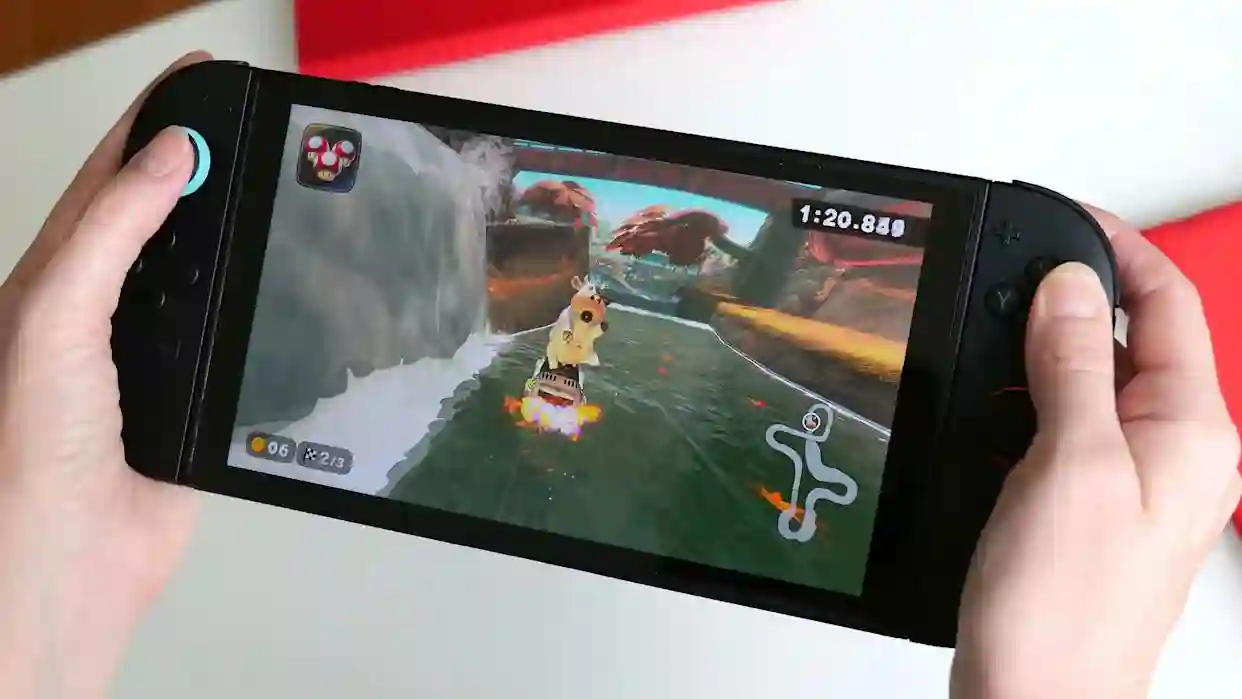
Digital game codes offer a convenient and immediate way to expand your gaming library, serving as a popular alternative to direct purchases from the digital storefront. On the Nintendo Switch 2, the process for redeeming these codes maintains a deliberate and welcome continuity with its predecessor, ensuring a smooth experience for returning players while remaining accessible to newcomers. These codes, typically sixteen-character alphanumeric strings, can be acquired from various retailers, either on physical cards, digital receipts, or within confirmation emails. The redemption process can be completed directly on the console through the Nintendo eShop or via a web browser on an external device, with both methods securely linking the game to your primary Nintendo Account for seamless access across compatible hardware.
Essential Prerequisites for Code Redemption
Before attempting to redeem a code, a few fundamental requirements must be met. First and foremost, you need an active Nintendo Account linked to your Switch 2 user profile. This account is the central hub for all your digital purchases and subscriptions. Secondly, the console must be connected to the internet to validate and process the code through the eShop. It is crucial to enter the code exactly as provided, paying close attention to distinguishing between similar characters like the number ‘0’ and the letter ‘O’, or ‘1’ and ‘I’. Each code is single-use and becomes permanently associated with the Nintendo Account that redeems it, so ensuring you are logged into the correct profile is an important first step.
Redeeming a Code Directly on the Switch 2 Console
The most straightforward method is to redeem your code directly through the Nintendo eShop application on the Switch 2. Begin from the system’s home screen and select the Nintendo eShop icon. You will be prompted to choose which user profile will own the content; this decision is significant as purchases are tied to individual profiles. Once inside the eShop, navigate to the left-hand menu and select the “Redeem Code” option. This action will open a dedicated screen with an input field.
Using the on-screen keyboard, carefully input the sixteen-character code. After verifying the code is correct, confirm the entry to proceed. The system will communicate with Nintendo’s servers to validate the code. Upon successful validation, a confirmation screen will display the title of the game or content associated with the code. A final confirmation will complete the redemption, and the download will typically begin automatically. The new title will appear on your home screen with a progress indicator. For games offering both Switch and Switch 2 versions, the system will present a choice for which version to install.
Redeeming a Code Through a Web Browser
For users who prefer typing on a physical keyboard or who are away from their console, Nintendo provides an online redemption portal. On a smartphone, tablet, or computer, visit the official Nintendo Account website and sign in with the credentials linked to your Switch 2. Navigate to the “Redeem a Code” section within the account settings or eShop menu. Here, you will find a field to enter your download code.
Input or paste the code precisely and proceed. The website will show a confirmation page detailing the associated content. Finalizing the redemption here adds the game directly to your Nintendo Account’s digital library. The next time you access the eShop on your Switch 2, the game will be available for download from your account’s purchase history or the “Redownload” section. If your console is in sleep mode with automatic downloads enabled, the installation may begin without any further action required on your part.
Post-Redemption Steps and Considerations
Once a code is successfully redeemed, the game is permanently added to your Nintendo Account’s digital collection. This library is accessible from any Nintendo system where you are signed in, preserving your investment across hardware generations. For titles that support cross-generation play or cloud saves through a Nintendo Switch Online subscription, your progress can be synchronized after installation. It is important to note that some download codes are specifically for downloadable content (DLC), which requires the base game to already be present on your system. Additionally, regional restrictions apply; a code purchased for a specific regional eShop, such as North America or Europe, must be redeemed on an account set to that corresponding region.
The Rationale for a Consistent Redemption System
Nintendo’s decision to maintain the same core redemption system for the Switch 2 is a calculated one, prioritizing user familiarity and ecosystem cohesion. This consistency drastically simplifies the transition for the vast existing install base of Nintendo Account holders, allowing them to carry their digital libraries forward without learning new procedures. It also reduces complexity for retailers and publishers, who can continue distributing the same format of download codes. The underlying infrastructure, centered on the unified Nintendo Account, reinforces the philosophy of software ownership being tied to the user rather than a single device. While the Switch 2’s eShop may feature visual and navigational refinements, the fundamental, reliable process for adding content via a code remains unchanged, providing a stable and predictable experience for all players.