
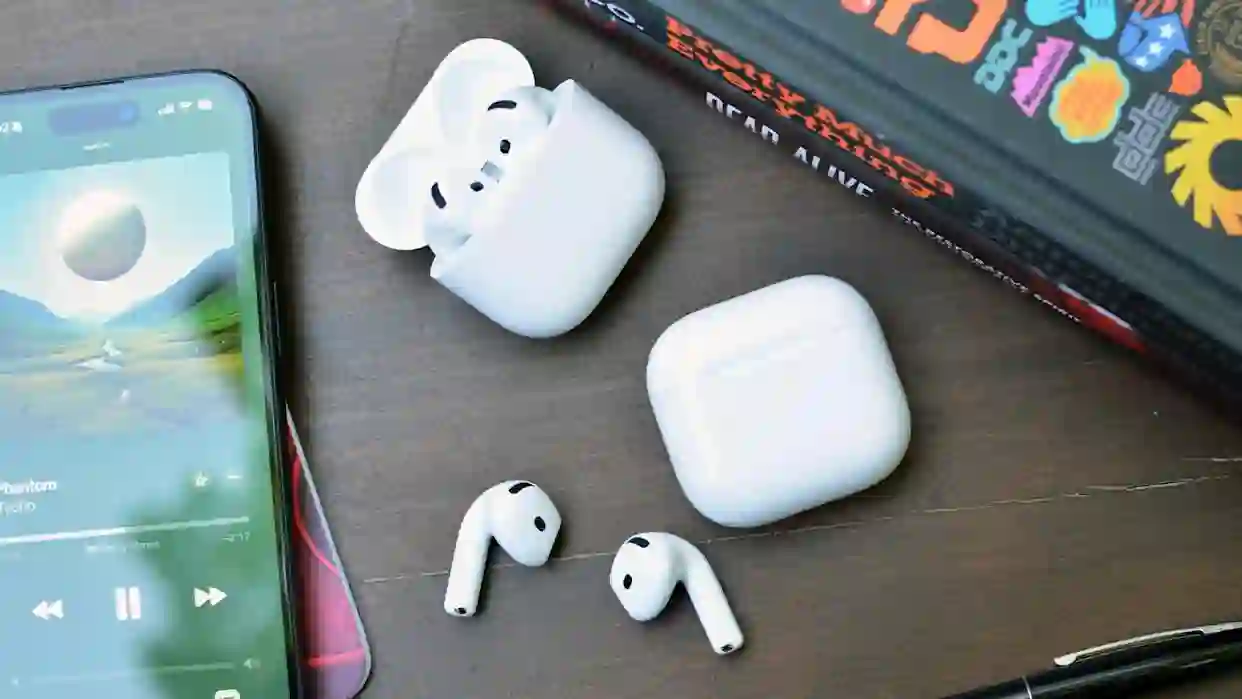
Losing AirPods is a common frustration, given their compact size and wireless nature. Fortunately, Apple’s integrated Find My network provides a robust suite of tools designed specifically to recover misplaced earbuds and their charging case. When properly configured, this system can display the last known location of your AirPods on a map, trigger a loud audible tone to aid in physical discovery, and even offer precise, augmented reality-style guidance for supported models. The effectiveness of these features depends on the specific generation of your AirPods, their battery level, and whether they are within Bluetooth range of any of your Apple devices. Understanding how to navigate the Find My app is key to transforming a stressful search into a quick and successful recovery.
Utilizing the Find My App for Initial Location Tracking
The first step in locating lost AirPods is to open the Find My app on any linked iPhone, iPad, or Mac. Navigate to the Devices tab, where your AirPods should appear in the list alongside your other Apple products. If the AirPods are currently online (meaning they are out of their case and within Bluetooth range of a device signed into your iCloud account), the app will display their live location on a map. If they are offline or out of battery, the app will show the last location where they were connected to one of your devices, which is invaluable for retracing your steps. This location history can pinpoint whether they were left at a café, fell out in a car, or are hiding somewhere in your home. Simply viewing this map often provides the crucial clue needed to begin a targeted search.
Employing Sound Alerts and Precision Finding
When the Find My app indicates your AirPods are nearby but visually elusive, the Play Sound feature becomes your primary tool. Selecting this option will cause the individual earbuds to emit a distinct, progressively louder chirping sound, making them easier to locate under pillows, in bags, or between couch cushions. It is important to note that this feature requires the earbuds to have sufficient battery charge and to be out of their charging case. For newer models like the AirPods Pro (2nd generation and later) with a MagSafe or Find My-enabled case, the case itself can also play a sound. The most advanced recovery method is Precision Finding, available for compatible models (AirPods Pro 2, AirPods Pro 3, and AirPods 4 with ANC). This feature uses the U1 chip in modern iPhones to provide on-screen directional arrows, a distance estimate, and haptic feedback, guiding you with remarkable accuracy to the exact spot where your AirPod or case is hiding.
Locating a Single Lost Earbud
It is not uncommon to misplace just one AirPod. The Find My app adeptly handles this scenario by allowing you to locate each earbud individually. Within the device details for your AirPods in the app, you can select to find only the left or right earbud. The interface will then update to show the last known location of that specific bud. If it is within range, you can initiate a sound alert specifically for that earbud. If it is offline, the map will still display its last recorded location before the connection was lost, enabling you to focus your search on a specific area. This granular tracking significantly increases the odds of recovering a solitary earbud that may have fallen out while you were on the move.
Strategies for Finding a Missing Charging Case
Recovering a lost charging case presents a unique challenge, as older case models do not have built-in speakers or location chips. If you own a newer case that supports Find My (typically indicated by a lanyard loop and compatibility with Precision Finding), you can locate it just like an earbud, even playing a sound from the case itself. For older cases, the Find My app will only display the location where the case was last connected when the AirPods themselves were inside and active. Therefore, if you lose the case while the earbuds are elsewhere, tracking becomes more difficult. A practical tactic is to place one of your AirPods into the lost case if you find it empty; this will make the case trackable via that earbud’s connection. Proactively, keeping at least one AirPod in the case when not in use can help ensure the case remains locatable.
Proactive Measures and Limitations
While Find My is powerful, its effectiveness relies on certain conditions. The AirPods must have been previously paired with an Apple device that has Find My enabled, and Bluetooth must be active on your iPhone for location pings to occur. Battery life is also critical; a completely depleted AirPod cannot play a sound or transmit its location. For optimal recovery chances, it is wise to ensure your devices are updated to the latest software, which often includes enhancements to Find My functionality. Additionally, labeling your AirPods case with a contact number can provide a low-tech backup recovery method if they are found by someone outside the Apple ecosystem. By combining these proactive steps with a thorough understanding of the Find My app’s features, you can dramatically increase the likelihood of a swift reunion with your lost AirPods.