
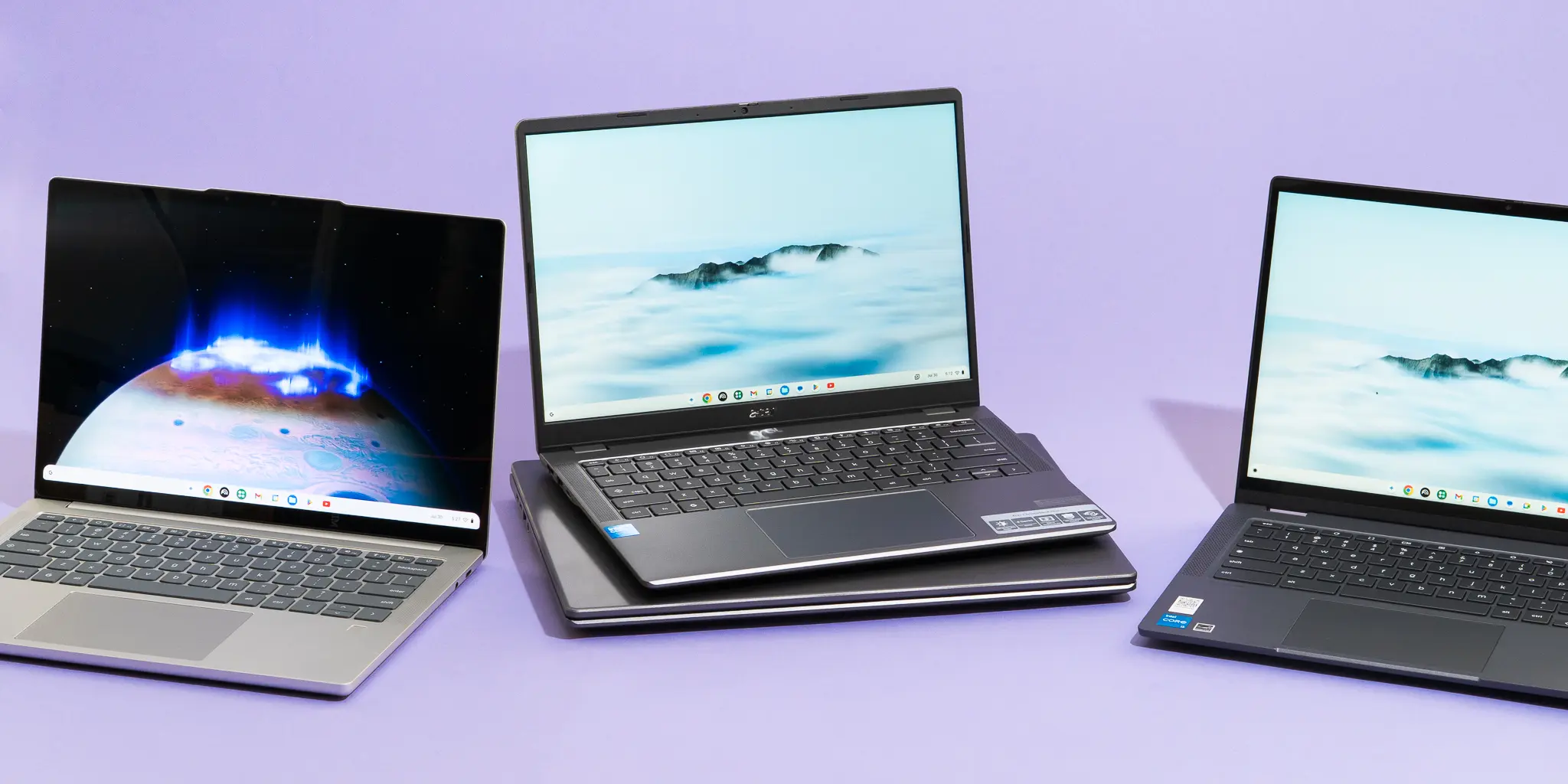
Chromebooks have evolved from budget netbooks into versatile everyday laptops that excel at web-based tasks, streaming, and light productivity. They boot instantly, receive automatic security updates, and typically cost hundreds less than comparable Windows or Mac machines. With brighter displays, capable processors, and designs ranging from sturdy clamshells to flexible 2-in-1 convertibles, modern Chromebooks deliver impressive value. Whether outfitting students, travelers, or home offices, these machines balance performance, portability, and affordability better than ever in 2026.
Best Chromebook Overall
Acer Chromebook Plus 514 (CB514-6H/T) stands out as the top choice for most users. Priced at just $350, it combines strong performance with practical features rarely found at this price. The Intel Core 3-N355 processor handles multitasking smoothly, while 8GB RAM and a generous 512GB SSD provide ample capacity for apps, files, and offline work. Its 14-inch 1920×1200 touchscreen boasts a taller 16:10 aspect ratio for better productivity and media viewing.
The build feels solid despite the budget price, weighing only 3.09 pounds with a compact 0.71-inch profile. Connectivity shines with two USB-A ports, dual USB-C, HDMI 1.4, and a headphone jack—eliminating dongle dependency. The backlit keyboard offers satisfying travel for extended typing, and the large glass trackpad responds precisely. Battery lasts over eight hours of video playback or seven hours of mixed use, sufficient for full workdays.
Downsides include tinny speakers lacking bass and a mediocre webcam suitable only for basic calls. These compromises align with the price point, where display and performance take priority. Google guarantees updates through June 2035, ensuring longevity.
Best 2-in-1 Chromebook
Acer Chromebook Plus Spin 514 (CP514-5HN) earns runner-up honors with premium upgrades in a convertible form factor. MediaTek’s Kompanio Ultra 910 chip delivers exceptional responsiveness—Geekbench scores of 2,526 single-core, 7,687 multi-core, and 18,020 GPU dwarf Intel competitors. 12GB RAM handles dozens of tabs without reloads, while the 50 TOPS NPU accelerates Gemini AI tools.
Battery life impresses at 14+ hours of video or nine hours of productivity. The 14-inch 1920×1200 touchscreen flips fully for tent/tablet modes, paired with responsive stylus support. Keyboard and trackpad feel premium, and speakers offer fuller sound than the standard 514. At $700, it justifies the premium through future-proof power and versatility, though 256GB storage feels modest.
Best Large-Screen Chromebook
Acer Chromebook Plus 516 GE targets gamers and media enthusiasts with its 16-inch 2560×1600 120Hz display. Intel Core 5 120U provides robust performance for cloud gaming via GeForce Now or Xbox Game Pass. Customizable RGB keyboard, Ethernet port, and HDMI ensure connectivity for big-screen setups.
Weighing just 3.75 pounds, it remains portable despite the size. Ports abound: USB-A, dual USB-C, HDMI, and headphone jack. Support runs through 2032. Battery claims 10 hours, dipping during intensive use. Gamer aesthetics may not appeal universally, but the screen and power make it ideal for entertainment hubs.
Best Premium Chromebook
Lenovo Chromebook Plus 14 delivers luxury at $749 with a stunning OLED 1920×1200 touchscreen—vibrant colors and deep blacks perfect for media and creative work. MediaTek Kompanio Ultra 910 matches Acer’s performance with 16GB RAM for extreme multitasking. At 2.75 pounds and 0.62 inches thin, its premium aluminum chassis with textured underside feels MacBook-esque.
The 5MP webcam excels in calls with accurate colors, while Dolby Atmos speakers provide rich audio. Fingerprint login adds security. Battery surpasses 14 hours. Sparse ports (USB-A, dual USB-C, headphone) require occasional adapters, but build quality justifies the cost.
Chromebook Buying Guide
Chrome OS thrives on web apps and Android compatibility, ideal for Google Workspace users but limiting for native Windows/Mac software like Adobe Premiere. Key strengths include instant boot times, sandboxed security, and verified boot protection.
Prioritize Chromebook Plus certification: minimum Intel i3/Ryzen 3, 8GB RAM, 128GB SSD, 1080p webcam/display. Budget $400+ for daily drivers; $700-800 unlocks premium builds.
| Model | Price | Key Strength | Battery |
|---|---|---|---|
| Acer 514 | $350 | Value/Ports | 8 hrs |
| Acer Spin 514 | $700 | Performance/2-in-1 | 14 hrs |
| Acer 516 GE | $650 | Gaming Screen | 10 hrs |
| Lenovo Plus 14 | $749 | Premium Build | 14 hrs |
Notable Mentions
Lenovo IdeaPad Flex 5i Chromebook Plus offers solid performance at $500 but lags newer models in storage and support duration. ASUS CX15 suits ultra-budget needs at $159 with basic browsing capability. Samsung Galaxy Chromebook Plus impresses at 2.6 pounds with 15.6-inch display but cramped 16:9 ratio limits productivity.
Chromebooks excel for web-centric workflows, students, and cloud gamers. For native apps or heavy editing, consider Windows alternatives. With 10-year update guarantees, these picks ensure lasting value through 2035.