
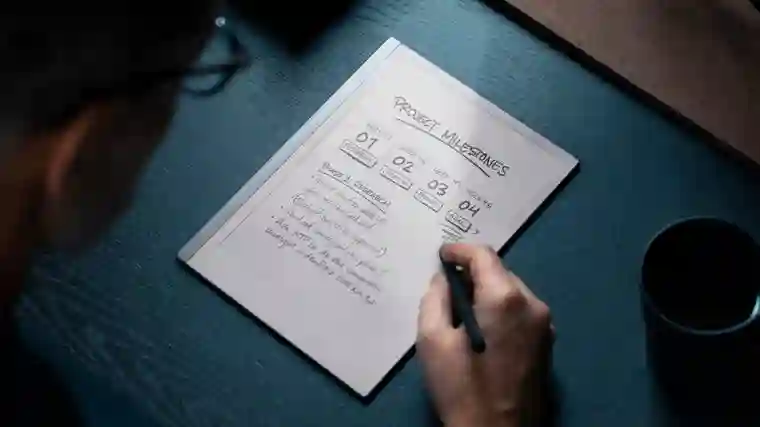
E Ink tablets bridge pen-and-paper tactility with digital convenience, offering distraction-free note-taking on eye-friendly displays that have evolved dramatically with color options and refined writing experiences. After extensive testing, these stand out as 2025’s top models for writing, reading, and hybrid productivity.
The reMarkable 2 delivers the optimal balance of low-latency writing, sleek design, and cloud integration for most users seeking a paper-like notebook replacement.
Best Overall: reMarkable 2
Weighing under a pound with a 10.3-inch digital paper display, the reMarkable 2 excels in writing fluidity—tilt/pressure-sensitive Marker (extra cost) mimics pen-on-paper with negligible lag. Organize notebooks, quick sheets, and imported PDFs/ePUBs via intuitive folders; Chrome extension sends web articles for markup.
Battery lasts two weeks; Wi-Fi syncs via Connect subscription ($3/month for editing/cloud). No backlight limits low-light use, but distraction-free purity shines.
– Pros: Stellar reading/writing, Drive/Dropbox support, intuitive
– Cons: Marker extra, subscription for full features
Best Premium: reMarkable Paper Pro
The 11.8-inch Canvas Color display introduces 20,000 hues for layered highlights; 1.8GHz processor ensures 12ms latency. Slimmer at 5.1mm with grooved edges, it pairs Folio keyboard for laptop-like productivity.
Connect unlocks mobile editing; 64GB stores vast libraries.
– Pros: Color addition, faster performance, backlight
– Cons: Pricey at $629+
Best E-Reader Hybrid: Amazon Kindle Scribe
11-inch front-lit display integrates Kindle ecosystem; updated processor minimizes latency. Premium pen magnetically attaches; AI Search summarizes notes (mixed results).
Home carousel prioritizes recent books/notebooks.
– Pros: Kindle library, fast performance, included pen
– Cons: Inconsistent markup, smaller ecosystem
Best for Note-Taking: Supernote A6 X2
7.8-inch FeelWrite screen with user-repairable battery/microSD (2TB expand). Keywords bookmark handwriting; templates support bullet journaling.
Atelier app enables PSD-exportable art.
– Pros: Customization, recognition accuracy, expandable
– Cons: No backlight, pen extra
Best Color Android: Onyx Boox Note Air4 C
10.3-inch Kaleido 3 color E Ink runs Android 13/Play Store; lasso shapes fill vibrantly. 64GB handles diverse formats.
– Pros: App versatility, color utility, included stylus
– Cons: Video limitations, learning curve
Top E Ink Tablets Comparison
| Model | Screen | Battery | Stylus | Price |
|---|---|---|---|---|
| reMarkable 2 | 10.3″ mono | 2 weeks | Extra | $399 |
| Paper Pro | 11.8″ color | 2 weeks | Extra | $629 |
| Kindle Scribe | 11″ mono | Months | Included | $500 |
| Supernote A6 X2 | 7.8″ mono | Weeks | Extra | $329 |
| Boox Note Air4 C | 10.3″ color | Weeks | Included | $529 |
Are E Ink Tablets Worth It?
Ideal for distraction-free writing/reading; iPad alternatives crave paper feel. Prioritize latency, file support, ecosystem.
Buying Considerations
Focus on writing latency, reading formats, sharing. Larger screens aid sprawl; color enhances visuals. Subscriptions unlock sync.